Start of every job
Booking
Record the client, function, date, and time. Saving a booking creates the job folders your team already expects.
What the studio runs
Every tool from booking to final print lives in one Windows app. Original files are never overwritten.
Start of every job
Record the client, function, date, and time. Saving a booking creates the job folders your team already expects.
After the event
Track which programs still need a copy on an external drive. After a long wedding day, this checklist is what keeps a shoot from being the only copy.
Thousands of frames
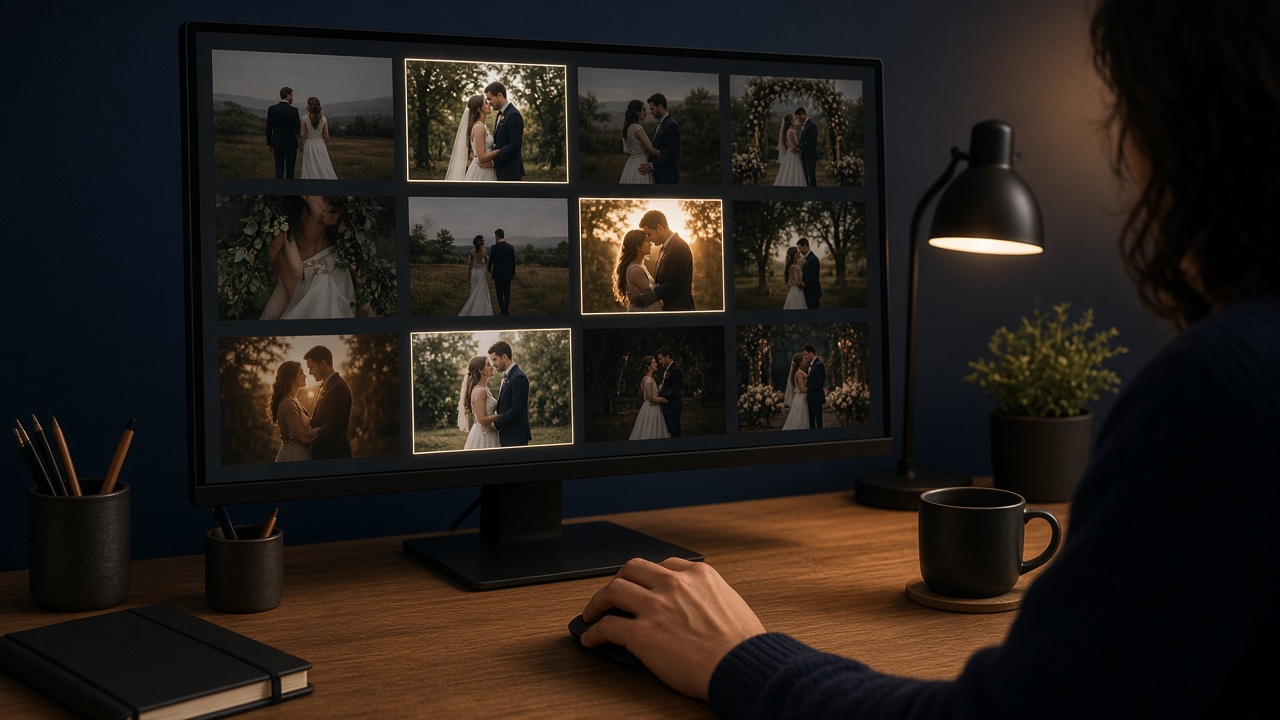
Scan a wedding folder and rank frames by sharpness, exposure, faces, likely blinks, and similar burst shots. The shortlist is a copy. Originals are never deleted.
Delivery size
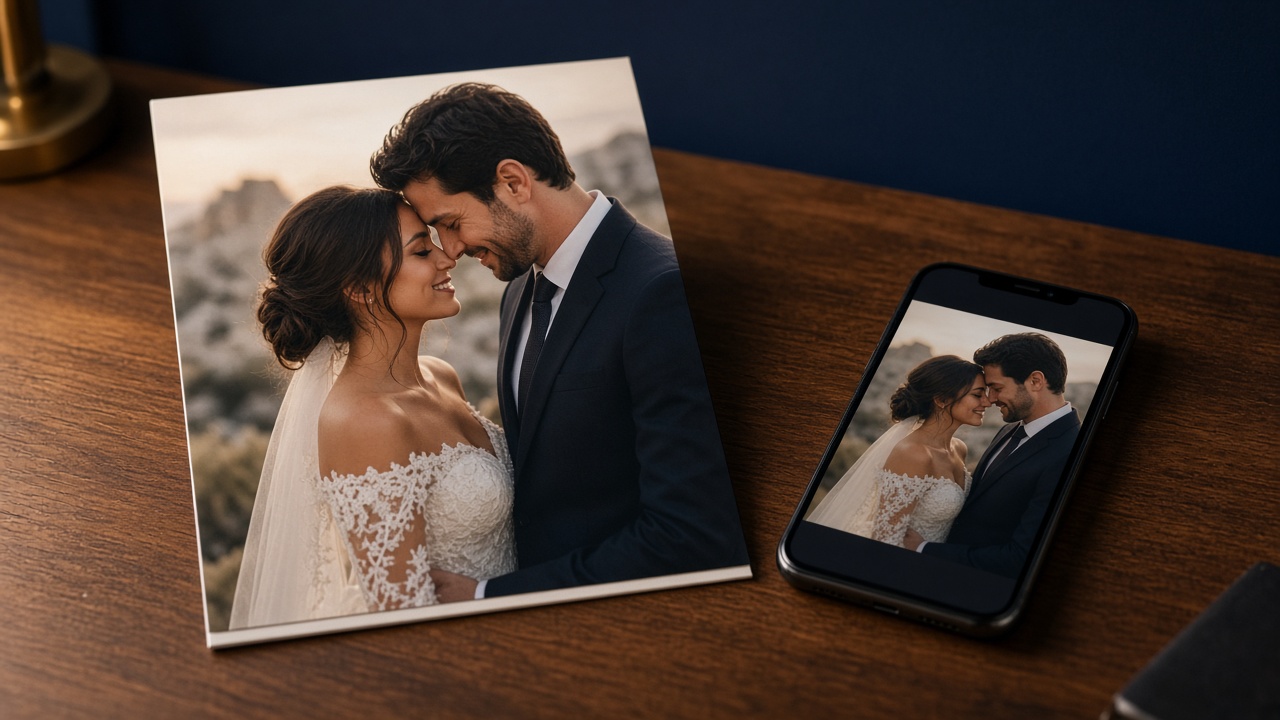
Make smaller photos and videos for WhatsApp, cloud share, and client delivery. Scan a folder or pick the images you want. Source files stay intact.
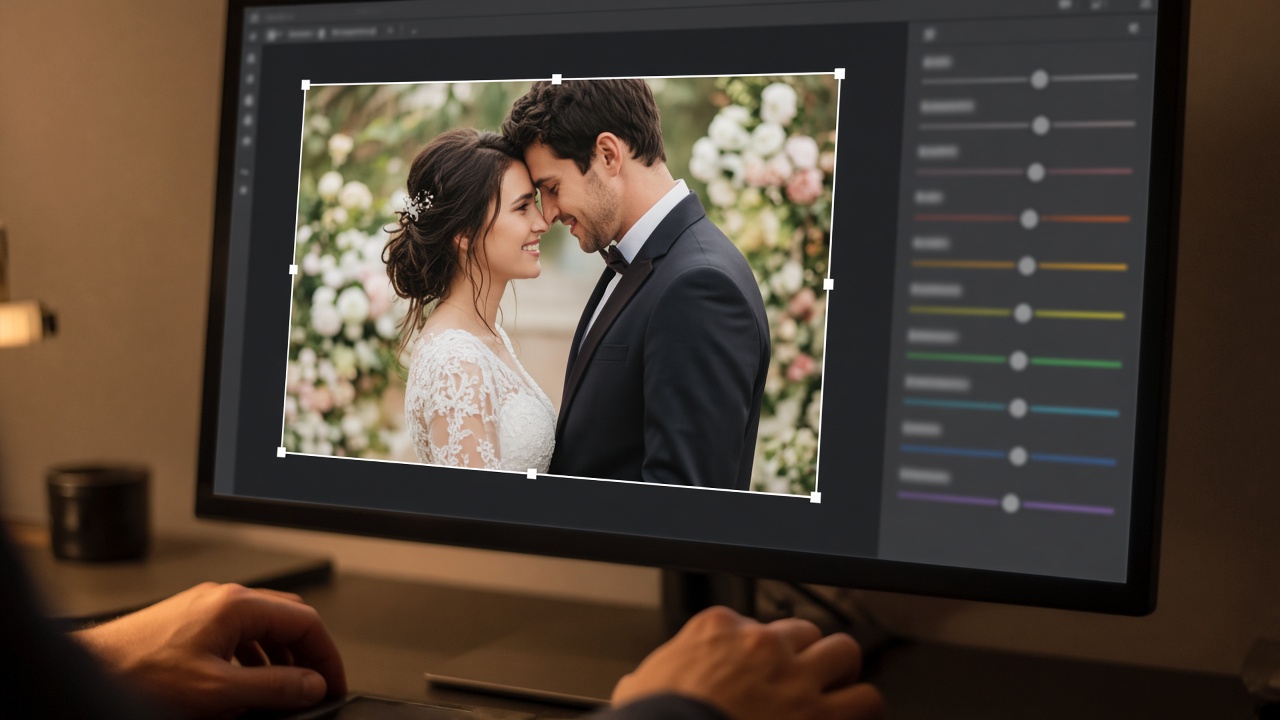
Finish the frame
Crop by dragging a rectangle, then adjust light, colour, detail, face, and LUT. The original file stays safe. Edits are applied to a new result.

The same evening
Pick highlight photos and make a short preview film before the full album is ready. It is the moment couples and guests share the same night.
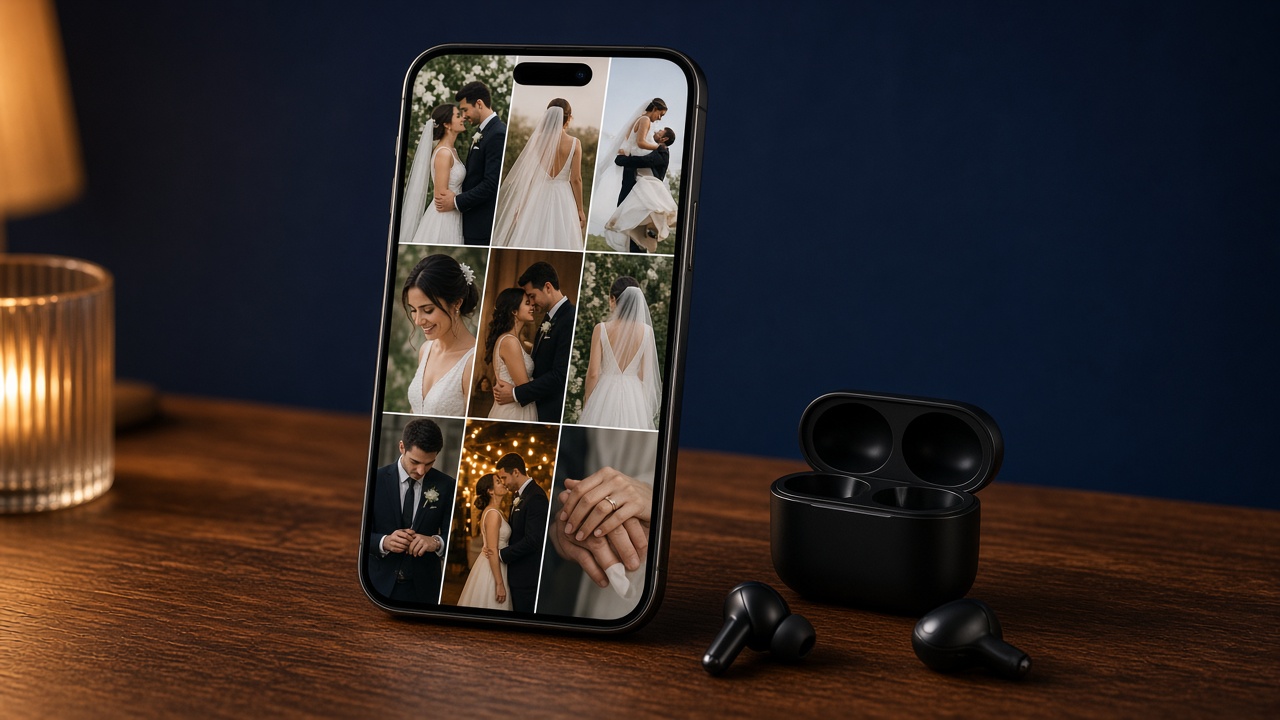
Social-ready
Build angled collages from 5 to 50 photos, add an MP3 or WAV track, and export a reel-style slideshow.
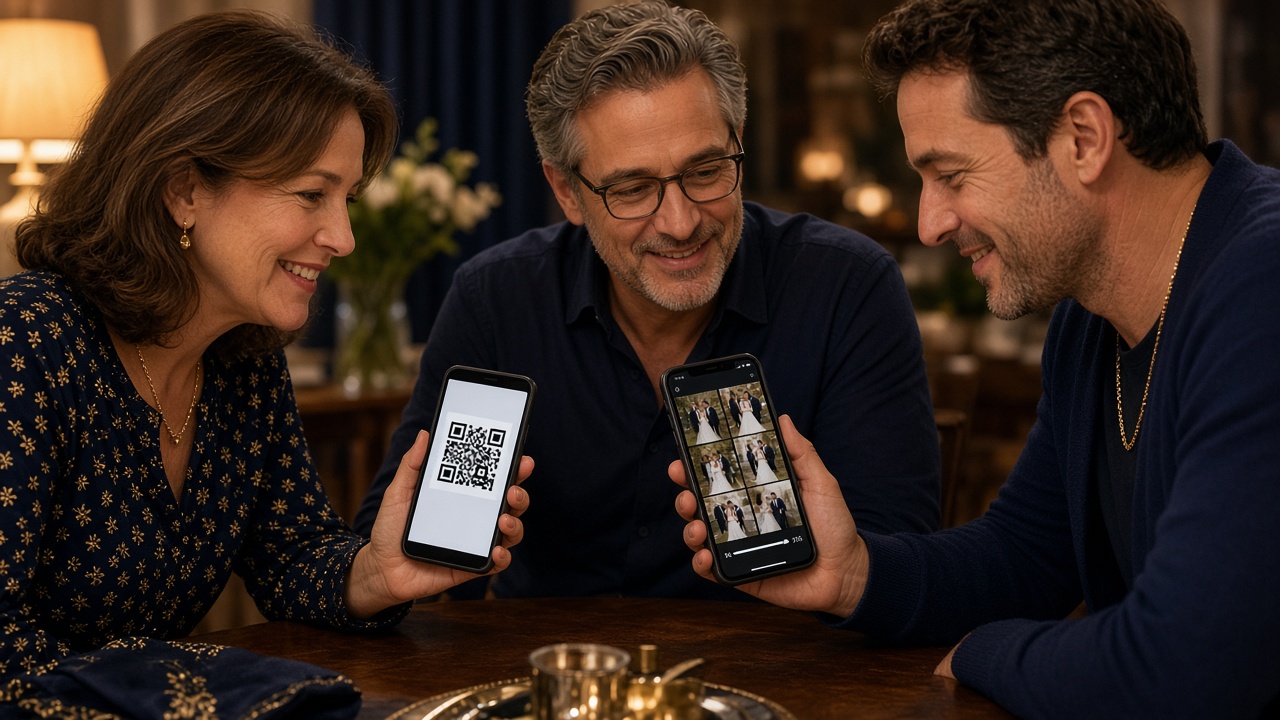
Guest download
Upload a delivery ZIP and hand the family an HTTPS link plus a QR code. Search the booking so the client name and function fill in.
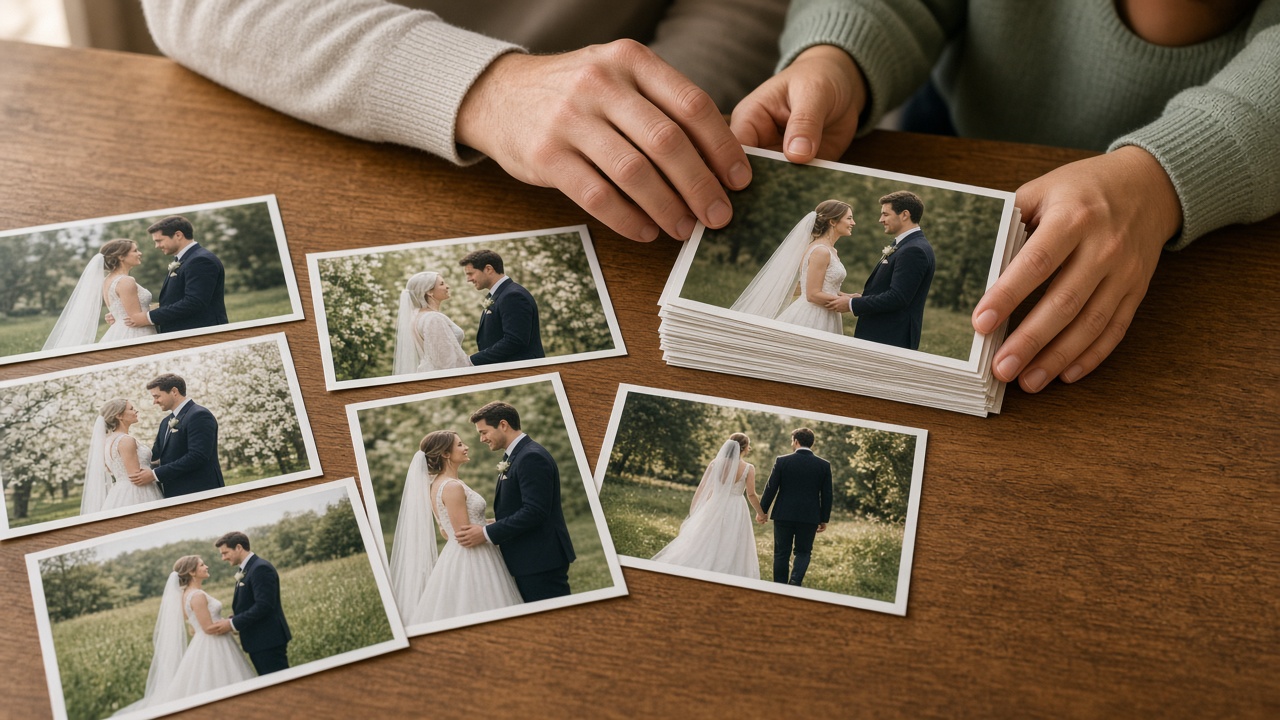
Final print
Match the photos the client already picked — a WhatsApp folder, a print list, or 05_Client_Selection — to the best program images.
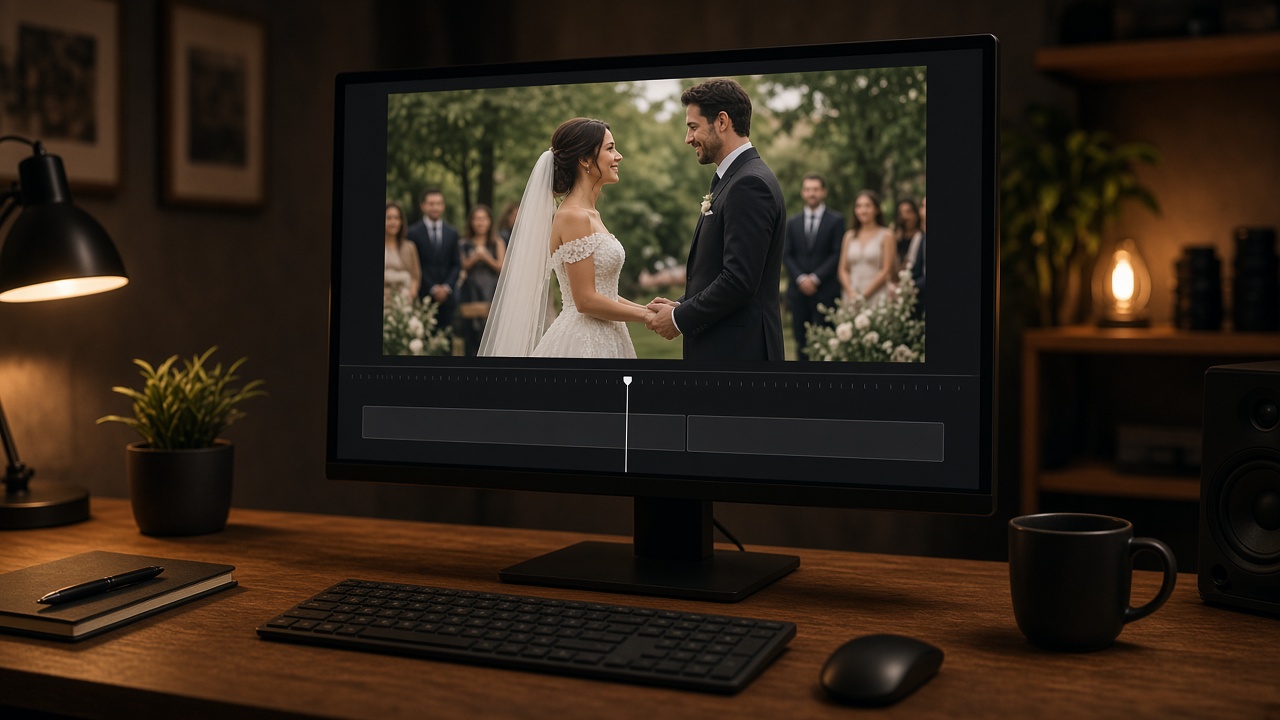
Video Cut
Trim ceremony clips, mark in and out, and join the pieces you want to keep. The camera file stays as it was shot.
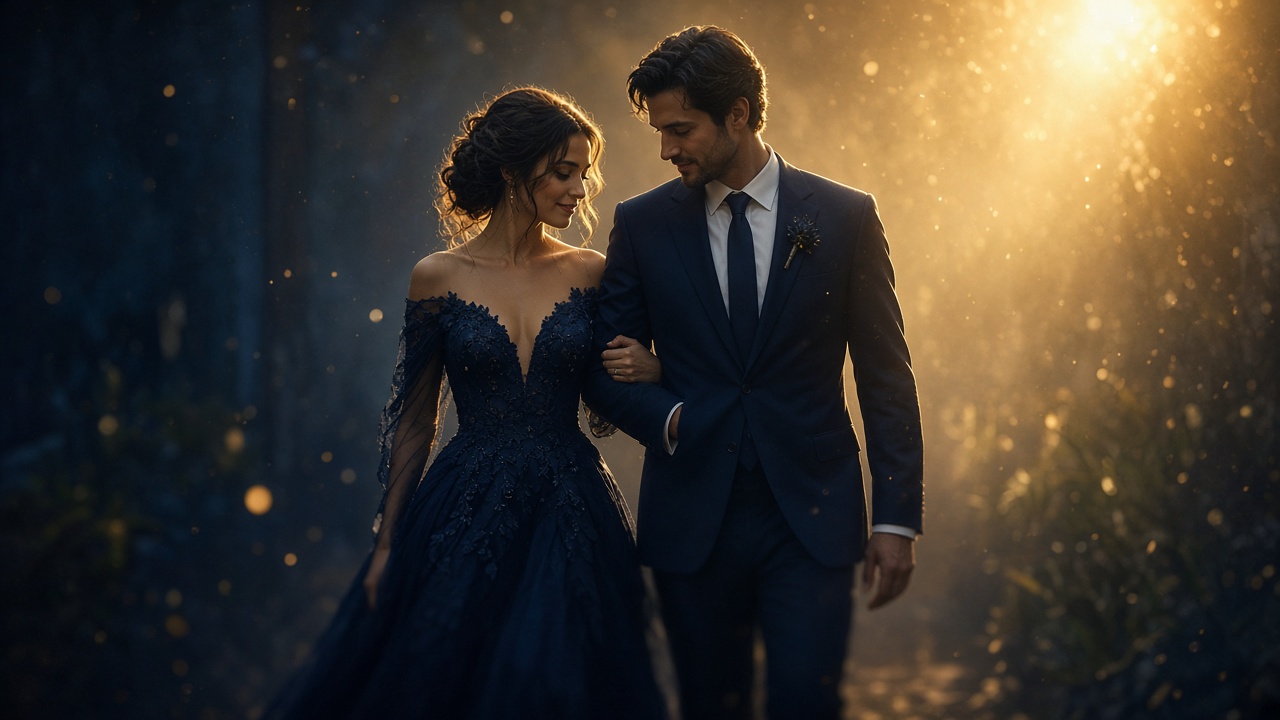
Looks on the film
Pick a look, preview a frame, and write the effect to a new file. The original video is not changed.
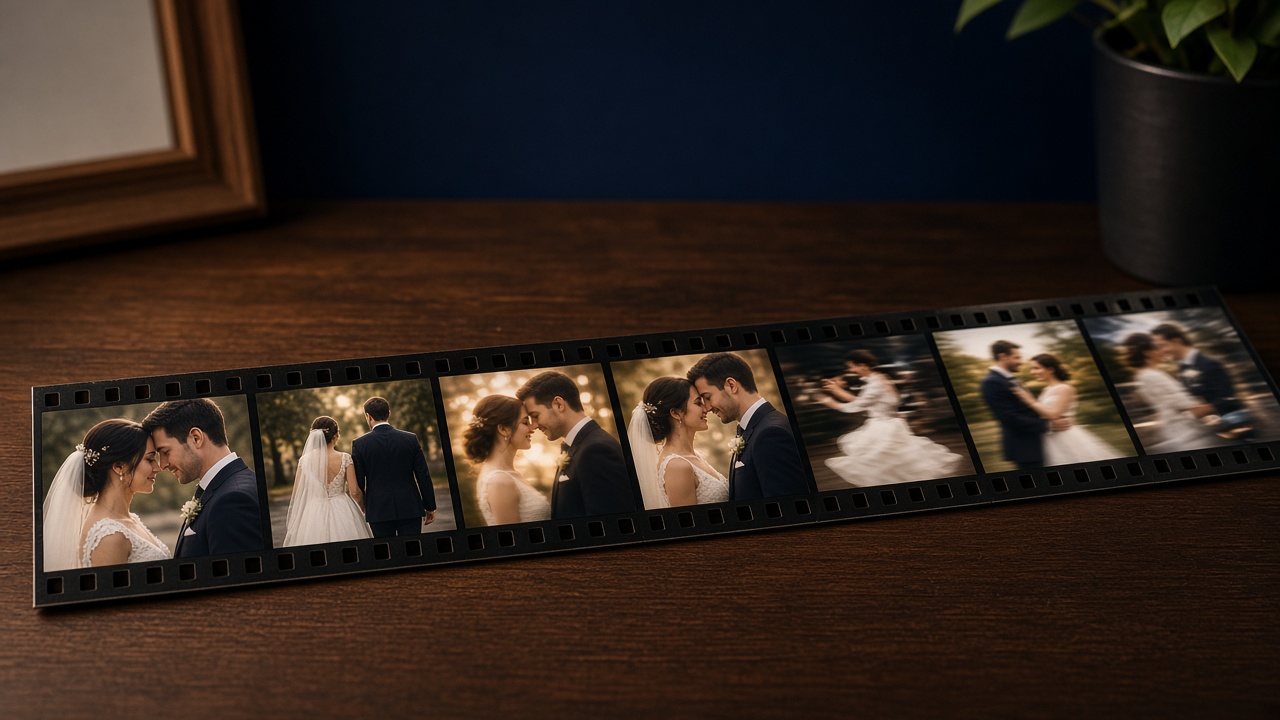
From the selects
Turn selected photos and clips into a video the same day, inside the studio workspace.
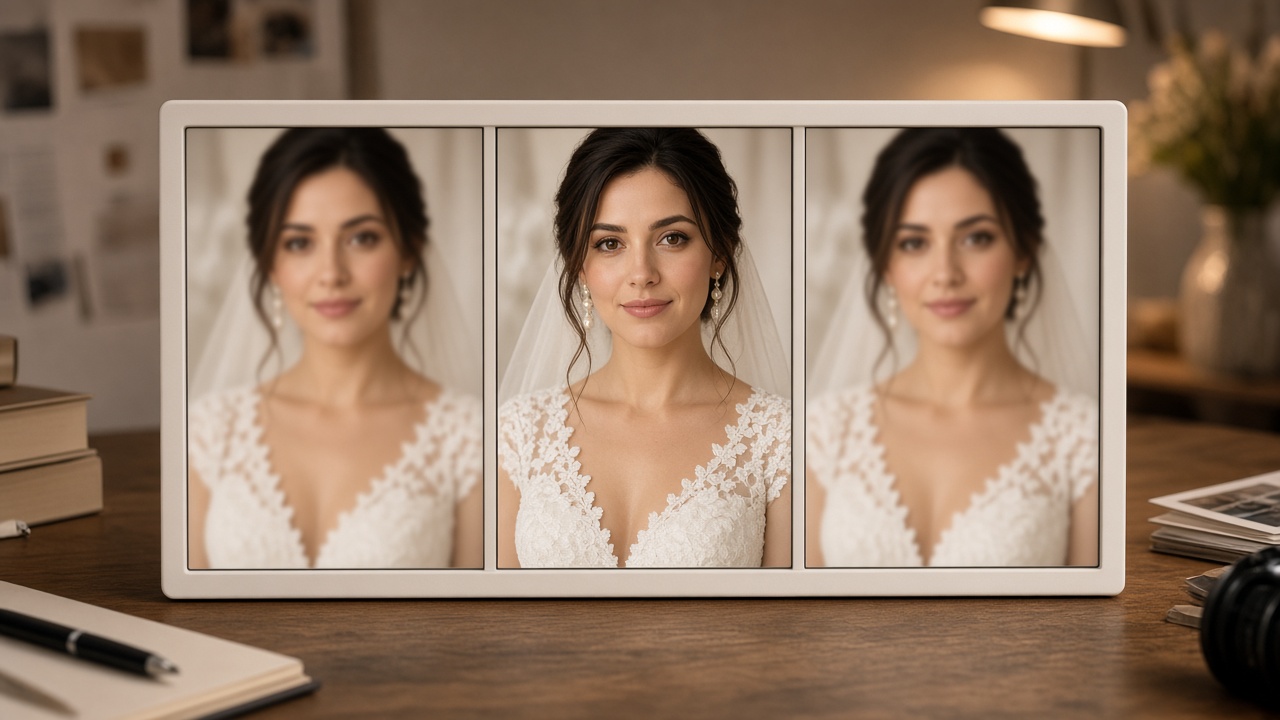
A closer pass
A second culling pass when the first shortlist still needs a human-speed review of faces, bursts, and near-duplicates.
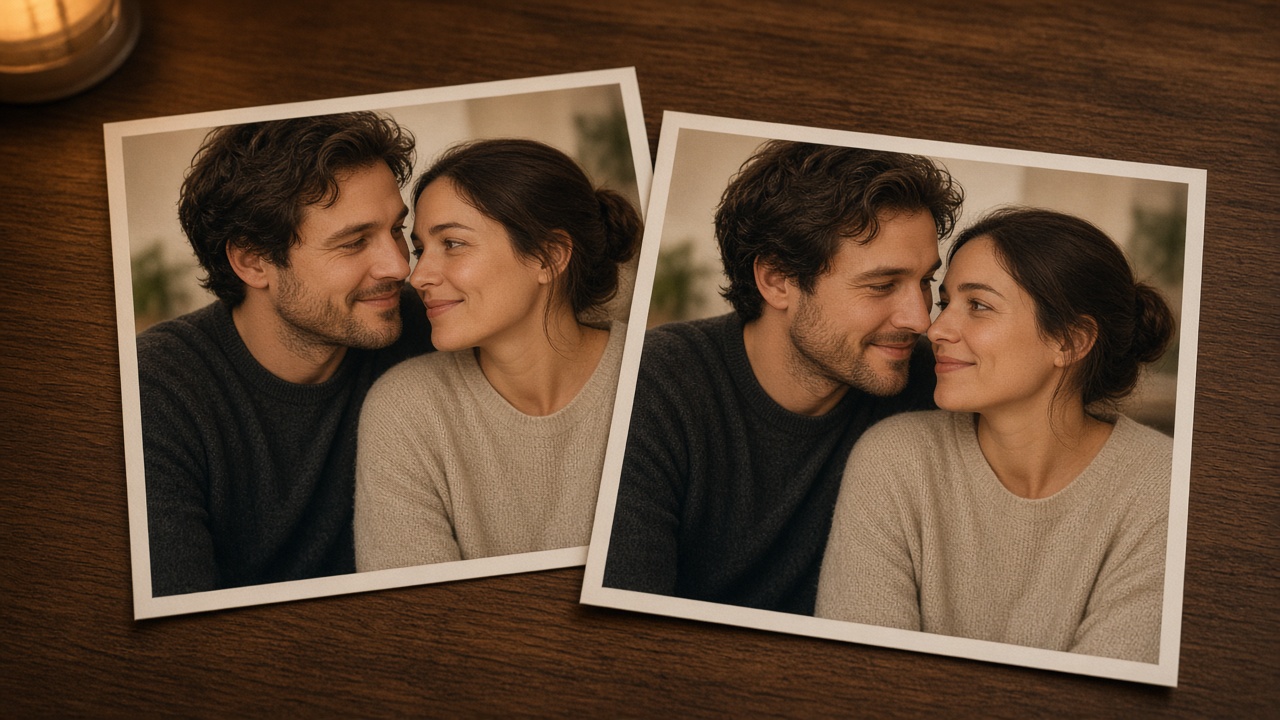
Same frame, twice
Group duplicate and near-duplicate photos in a folder so the team keeps one and leaves the rest.
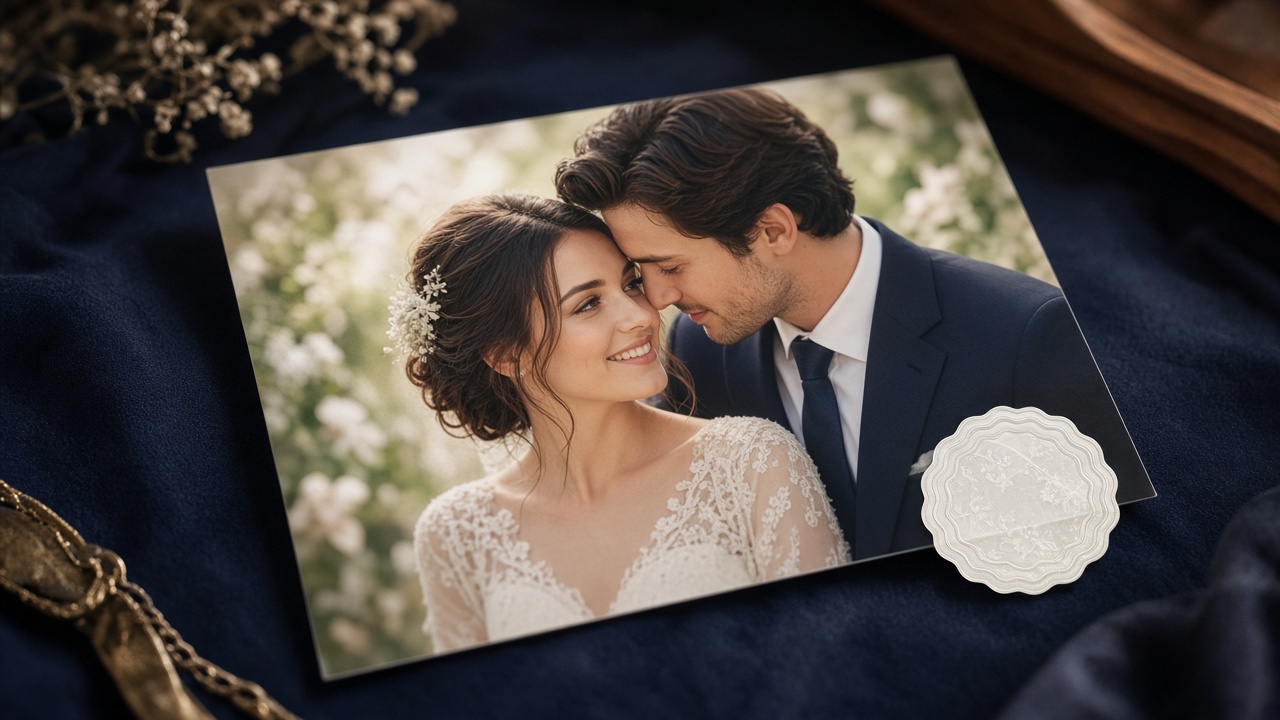
Studio mark
Stamp the studio name on delivery previews. The marked files are written beside the originals.
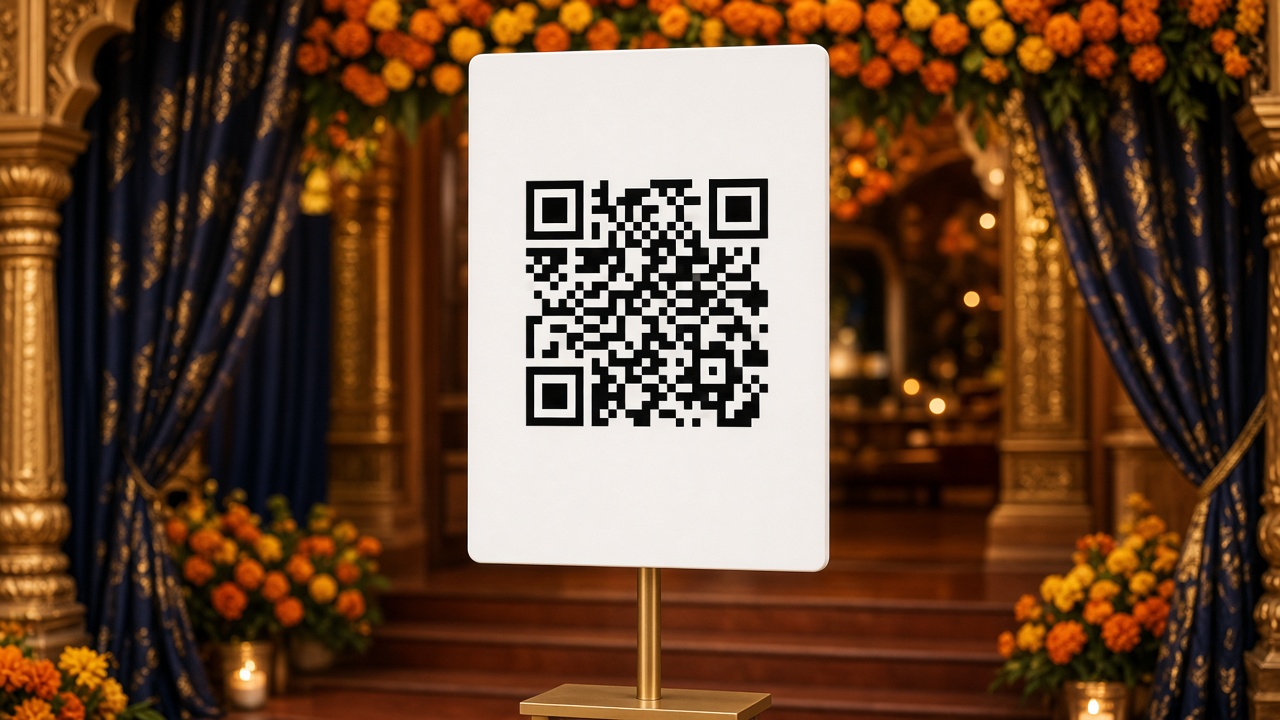
QR at the venue
Register standee boards, check their status, and assign one to a program so guests reach the studio from the venue.
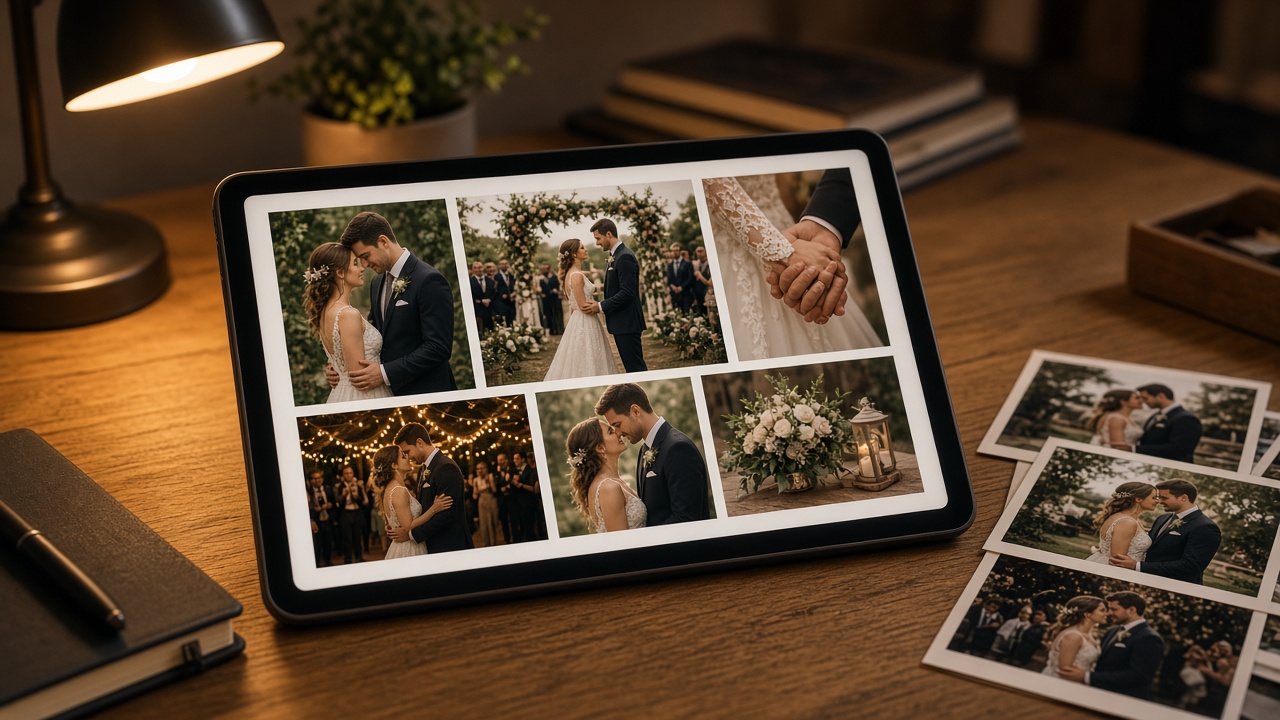
One file to send
Turn a set of photos into a single PDF the couple can open on a phone, with the studio name on it.
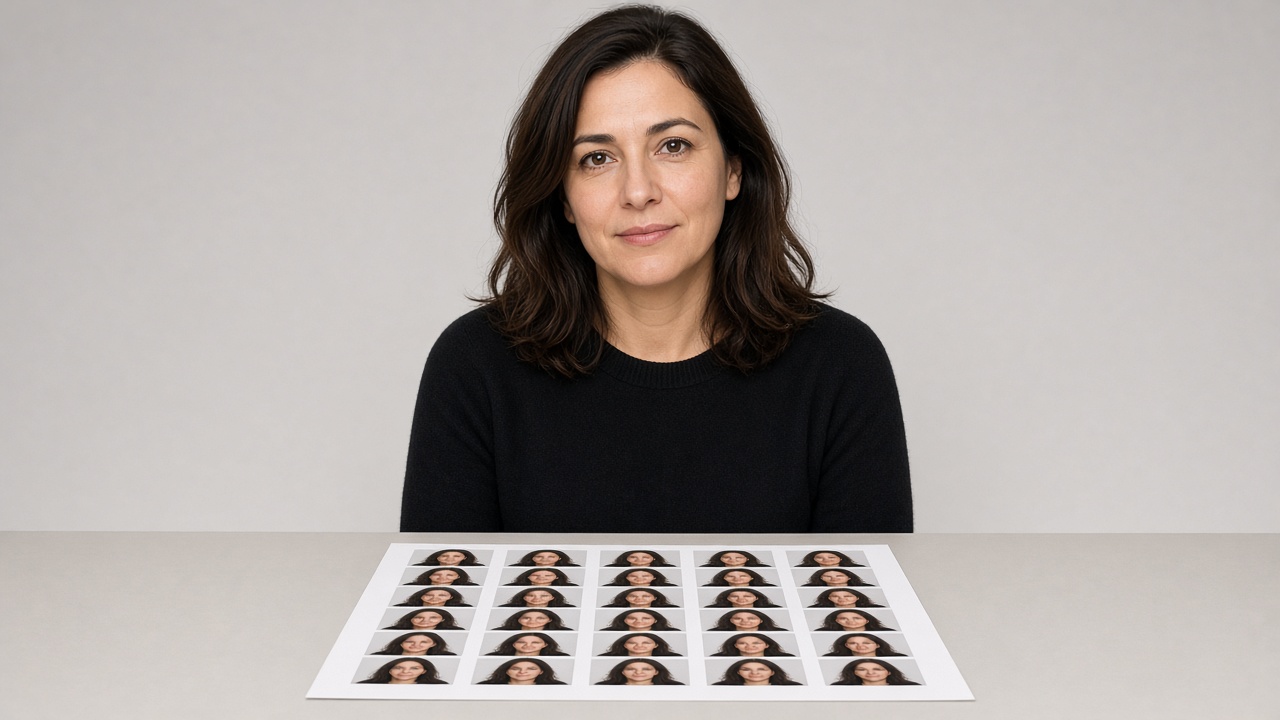
Print sheet
Lay passport and ID photos onto a print sheet from the portraits you already have.